How to use Vault with External Secrets for Kubernetes in Production?
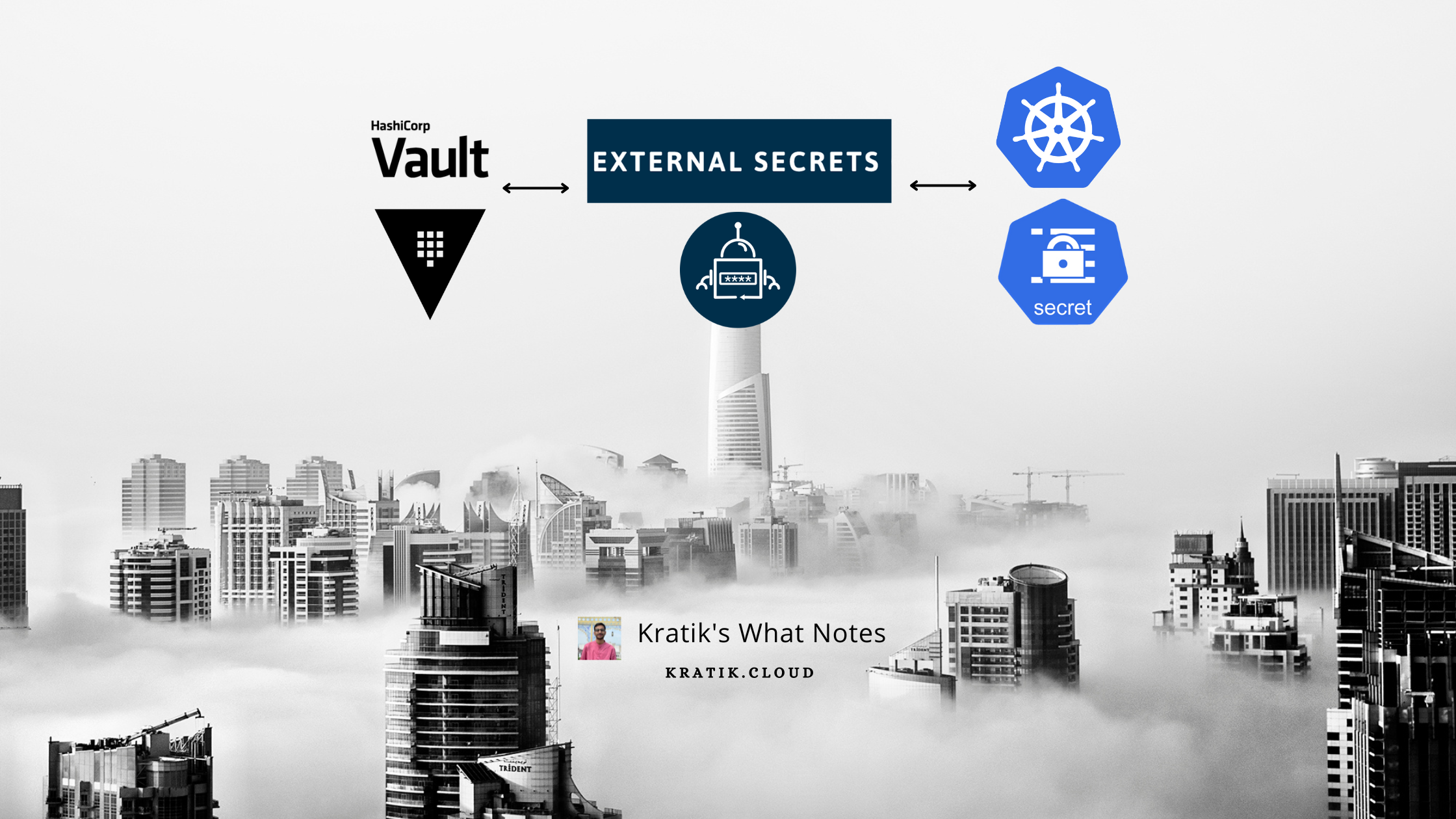
Let's setup Vault with External-secrets to manage secrets in Kubernetes like never before!
Hello, beautiful people on the Internet! 🌻
Today we are going to discuss how can we optimize the flow of storing secrets in Kubernetes and Also, learn to empower our developers to View/Modify secrets deployed in our Kubernetes cluster. We'll also delegate access to our devs based on the GitHub team they belong to.
So let me ask you a basic question, how do you store secrets in your K8s cluster?
If you answer that you are using plain base64 encoded manifest files and managing them manually, then :

Issues in the current approach
No easy visibility - No GUI to easily manage secrets
No Version Controlling
Need to expose K8s creds to devs if you want to share it with them. (You can create and set appropriate RBAC permissions for them though but it can not be used in some use cases)
No Support for any 3rd Party Authentication, for example - Using GitHub Team/Org to grant developers a predefined level of access.
Simple Solution - Use Vault with External Secrets
Yes, you heard it right, once this is set, delegating access to users would be a breeze :)

Action Items for us ⚡️
Install External Secrets Operator
Install Vault
Configure Vault to Allow login using GitHub PAT
Configure Vault auth for External Secrets
Configure External Secrets to create secrets from Vault
Create a sample secret in Vault, and see that being created in K8s
Install External Secrets Operator
https://external-secrets.io/latest/introduction/overview/
It has three components - External Secrets Controller, Webhook, Cert-Controller
You can install external secrets quickly with Helm!
https://external-secrets.io/latest/introduction/getting-started/
values.yaml
#? count of the controller pods for HA
replicaCount: 3

#? enable/disable the leader election - at any time, only one active controller is recommended
leaderElect: true

#? how many secrets to update concurrently
concurrent: 3

#? PDB configuration - helpful when doing maintenance tasks
podDisruptionBudget:
  enabled: true
  minAvailable: 1

#? Recommended - Exposes metrics!
serviceMonitor:
  enabled: true
webhook:
  serviceMonitor:
    enabled: true
certController:
  serviceMonitor:
    enabled: true
helm repo add external-secrets https://charts.external-secrets.io

helm upgrade --install external-secrets external-secrets/external-secrets -f values.yaml -n external-secrets --create-namespace
once deployed, It will look something like below :

Note - You can see three deployments of external-secrets but as we have enabled leaderElect only one of them will be active and hold the lease, other replicas will be just waiting if the primary one goes down and then one of the standby replicas will be the leader. Isn't it cool?

Bonus! - More on K8s leader election : https://carlosbecker.com/posts/k8s-leader-election/
Install Vault
Working
The internal working of Vault is quite interesting and a little complex to sum up in few words, we will need another blog to explain it in more detail. If you are completely clueless, then you can read more about this here:
https://developer.hashicorp.com/vault/docs/what-is-vault#what-is-vault-1
https://developer.hashicorp.com/vault/docs/internals/architecture
To install Vault, We will be using Banzaicloud's Vault Operator aka Bank Vaults!
To deploy anything in the Kubernetes Environment and to ensure its reliability and HA, Operators are becoming de-facto standards.
💡 Do you know : A Kubernetes operator is an application-specific controller that extends the functionality of the Kubernetes API to create, configure, and manage instances of complex applications on behalf of a Kubernetes user.
Check more here : https://operatorframework.io/what/
Install Vault-Operator Using Helm
helm repo add banzaicloud-stable https://kubernetes-charts.banzaicloud.com
helm repo update
helm upgrade --install vault-operator banzaicloud-stable/vault-operator -n vault-operator

Setup RBAC
rbac.yaml - need to apply this to give needed RBAC access to our setup.
kubectl apply -f vault/rbac.yml -n vault-operator
💡 Explanation - Here, We are creating a Secret vault-sa-token-manual which will hold Kubernetes access token for ServiceAccount named vault (Before Kubernetes v1.24 we didn't have to create the secret manually, see - https://stackoverflow.com/a/72258300). This ServiceAccount has access to read/update pods and all access to secrets.
Note - You can also fine-tune the access by adding only required verbs/resource names/namespaces.
Also, did you notice we are binding a default ClusterRole named system:auth-delegator to Vault ServiceAccount? From the official docs - Allows delegated authentication and authorization checks. The system:auth-delegator ClusterRole has the permissions to call the Token Review API.

Deploying Vault with CRD
Now, as we have powered our cluster with Vault Operator, we can deploy Vault with a simple YAML file.
vault-deploy.yaml
Authentication & Authorization
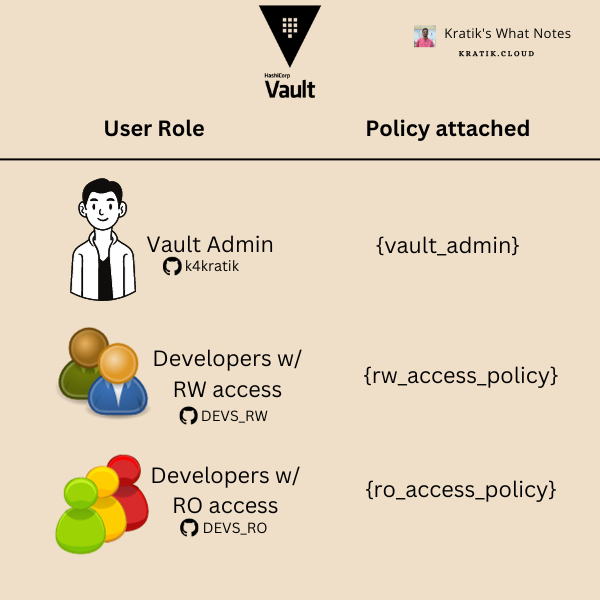
Here we are authenticating our users using GitHub auth backend. And their access level is defined by the GitHub teams they belong to.
For Example, my account (k4kratik) is assigned the admin policy vault_admin. Similarly, I have created a GitHub Team DEVS_RW in my organization which will grant its members access defined in the policy rw_access_policy and Also created a team DEVS_RO for devs for which I only want to configure read-only access, this team will be assigned with the ro_access_policy.
The above is visualized below :
Config file Explanation :
From Line #1 to #102, I think it's pretty much self-explanatory. Let's Start with Line#106. (where externalConfig starts)
externalConfig.policies
Just like any other setup, we are defining IAM policies here, these will be assigned to users/teams.
ro_access_policy: onlyreadpermissions.rw_access_policy: RW permissions. ["read", "list", "update"]vault_admin: Just defining*with verbs does not work to grant all permissions. So, we have defined all the admin-level access explicitly.Why ? : more info : https://discuss.hashicorp.com/t/vault-admin-policy/39803/2
admin required access: https://developer.hashicorp.com/vault/tutorials/policies/policies#write-a-policy
externalConfig.auth:kubernetes
type: As we are setting this up forexternal-secretsrunning on Kubernetes, its value should bekubernetespath: the identifier for this auth entry in the vault.configtoken_reviewer_jwt: The JWT Token forvaultServiceAccount because it has thesystem:auth-delegatorrole, which can help us to use K8s'TokenReviewAPI to validate other JWTs. To fetch its value, run the following command as in the earlier section of the blog, we have already set up the required RBAC.Command (copy this and replace with
TOKEN_REVIEWER_JWT_TOKEN_HERE)kubectl get secret vault-sa-token-manual -n vault-operator -o go-template='{{.data.token}}' | base64 --decodekubernetes_ca_cert: PEM encoded CA cert for use by the TLS client used to talk with the Kubernetes API.Command
kubectl get secret vault-sa-token-manual -n vault-operator -o go-template='{{index .data "ca.crt"}}' | base64 --decodekubernetes_host: Endpoint forKubernetes API server. Make sure it's reachable from vault pods.kubectl config view --minify --output jsonpath="{.clusters[*].cluster.server}"disable_issuer_verification:true- To disable the issuer verification.
roles- define roles attached to this auth mechanismname: name of the rolebound_service_account_names:["external-secrets"]- We just want to allow external secrets SA, so adding that only.bound_service_account_namespaces["external-secrets"]- We just want to allow external secrets namespace, so adding that only.token_policies:ro_access_policy- Important! - the name of the policy to attach, Our external-secrets just need read access to read the secrets.token_max_ttl: token expiry time.
externalConfig.auth:github
type: As we are setting this up for auth via GitHub, its value should begithubpath: the identifier for this auth entry in the vault.configorganization: name of your GitHub organization. (Replace GITHUB_ORGANIZATION_NAME_HERE with this)Note! - You must be part of this organization, or else you will not be able to log in, and you'll get the error :
Configuration is not set!token_ttl: lifetime for generated tokens.
map (mapping for GitHub)
teams(mapping for GitHub Teams with Vault policies)format:
- TEAM_NAME : POLICY_NAME
e.g.
DEV_RW:rw_access_policyDEV_RO:ro_access_policy
users(mapping for GitHub Users with Vault policies)- e.g.
k4kratik:vault_admin
- e.g.
externalConfig.secrets
path:secret- path where the Vault will mount this secret engine.type:kv- Secret Engine type : Key/Valueoptions:version: 2 (recommended)
startupSecrets
- A test secret, which will be created at the startup.
audit
Audit devices are the components in Vault that collectively keep a detailed log of all requests to Vault.
The file audit device writes audit logs to a file. https://developer.hashicorp.com/vault/docs/audit/file#configuration
Deploy Vault
kubectl apply -f vault/vault-deploy.yml
it will deploy pods as shown below:

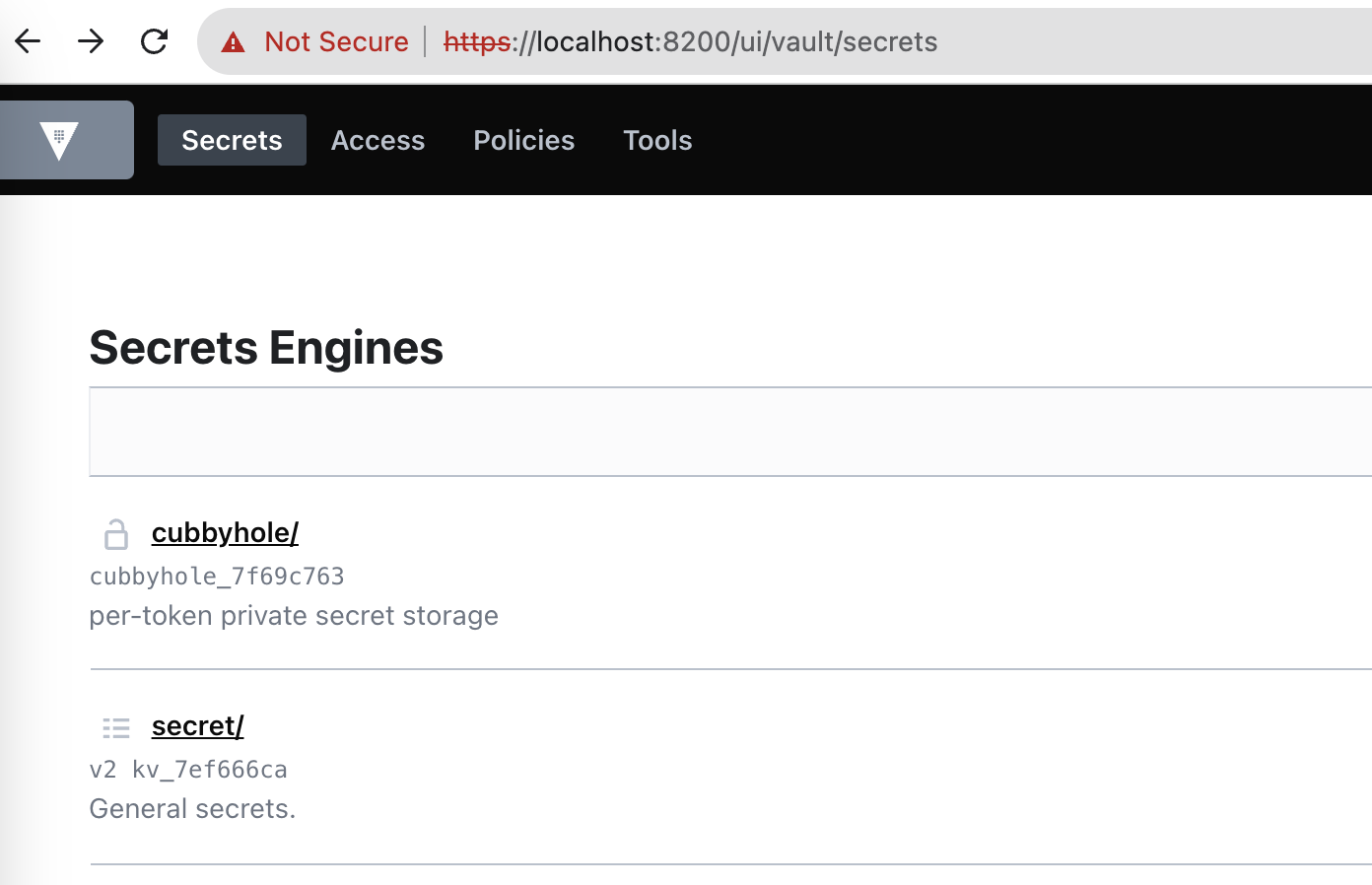
Login To Vault UI
Let's expose the Vault UI for login
kubectl port-forward svc/vault -n vault-operator 8200:8200
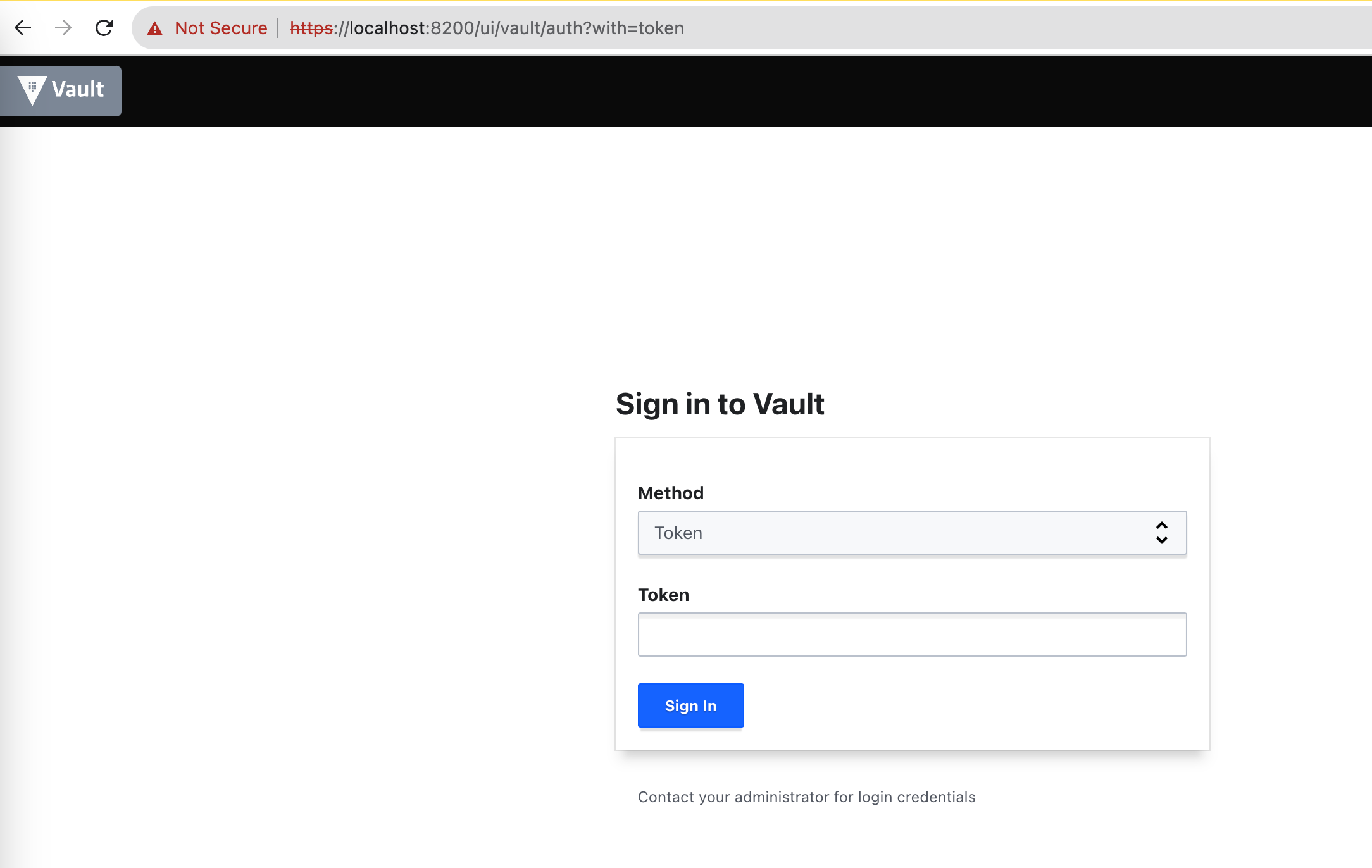
You will be welcome with the below screen :
Login with GitHub PAT (Personal Access Token)
Generate a GitHub PAT with at least
read:orgpermission (guide here)We will use that PAT to login into Vault
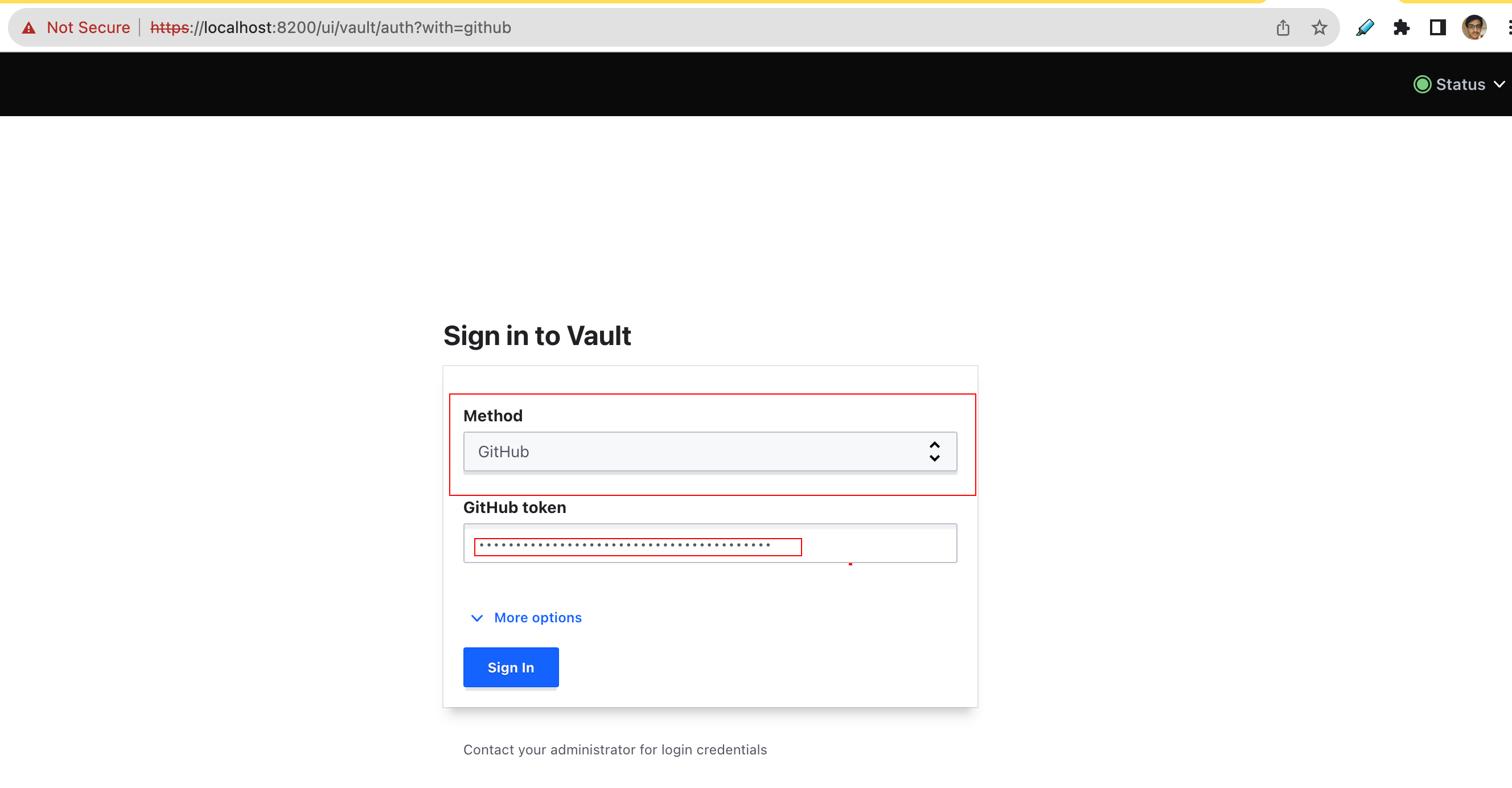
Note - Remember the auth policy we created, according to our GitHub username, org or Team, We will be getting relevant access.
Check the
secretengine, you will find our test secret :TEST_PROJECT_ONE/test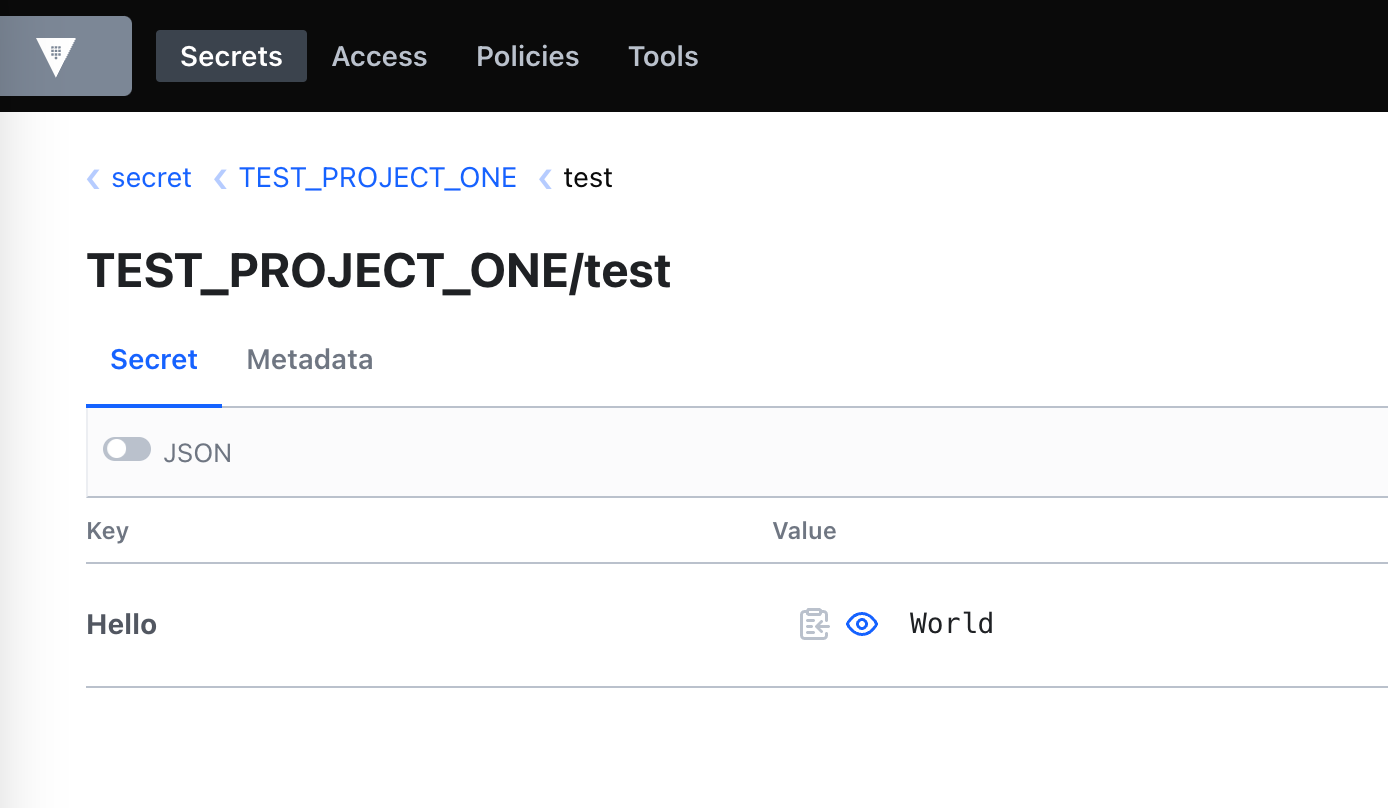
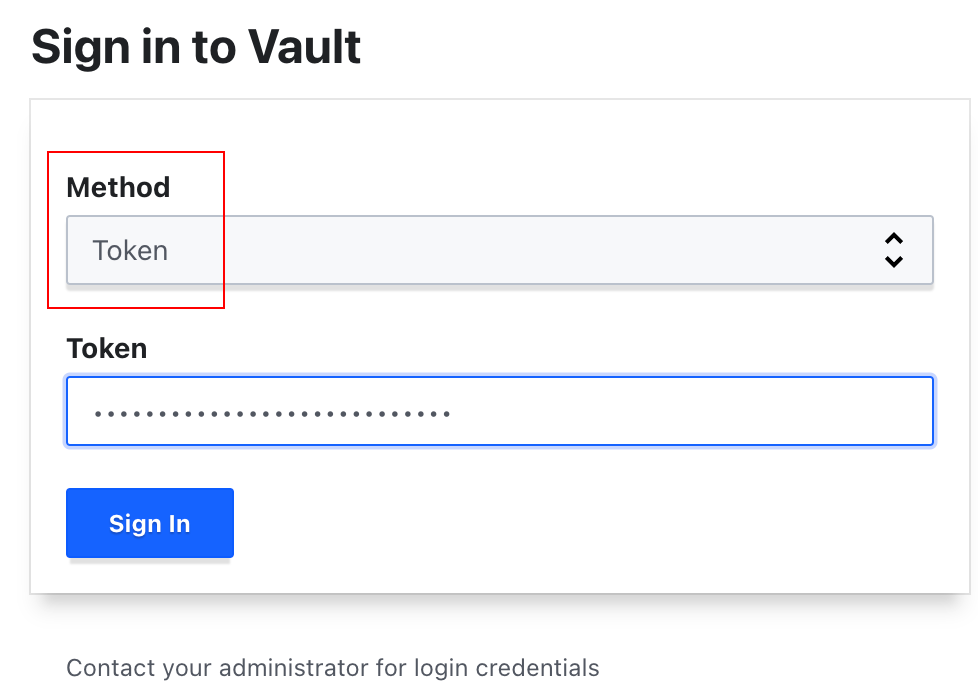
Login with Root Token [Not Recommended]
Get the root token
kubectl get secrets vault-unseal-keys -o jsonpath={.data.vault-root} | base64 --decodeLogin with this token as shown below
Check What we configured :
Check the auth we defined - `github` and `k8s-one`
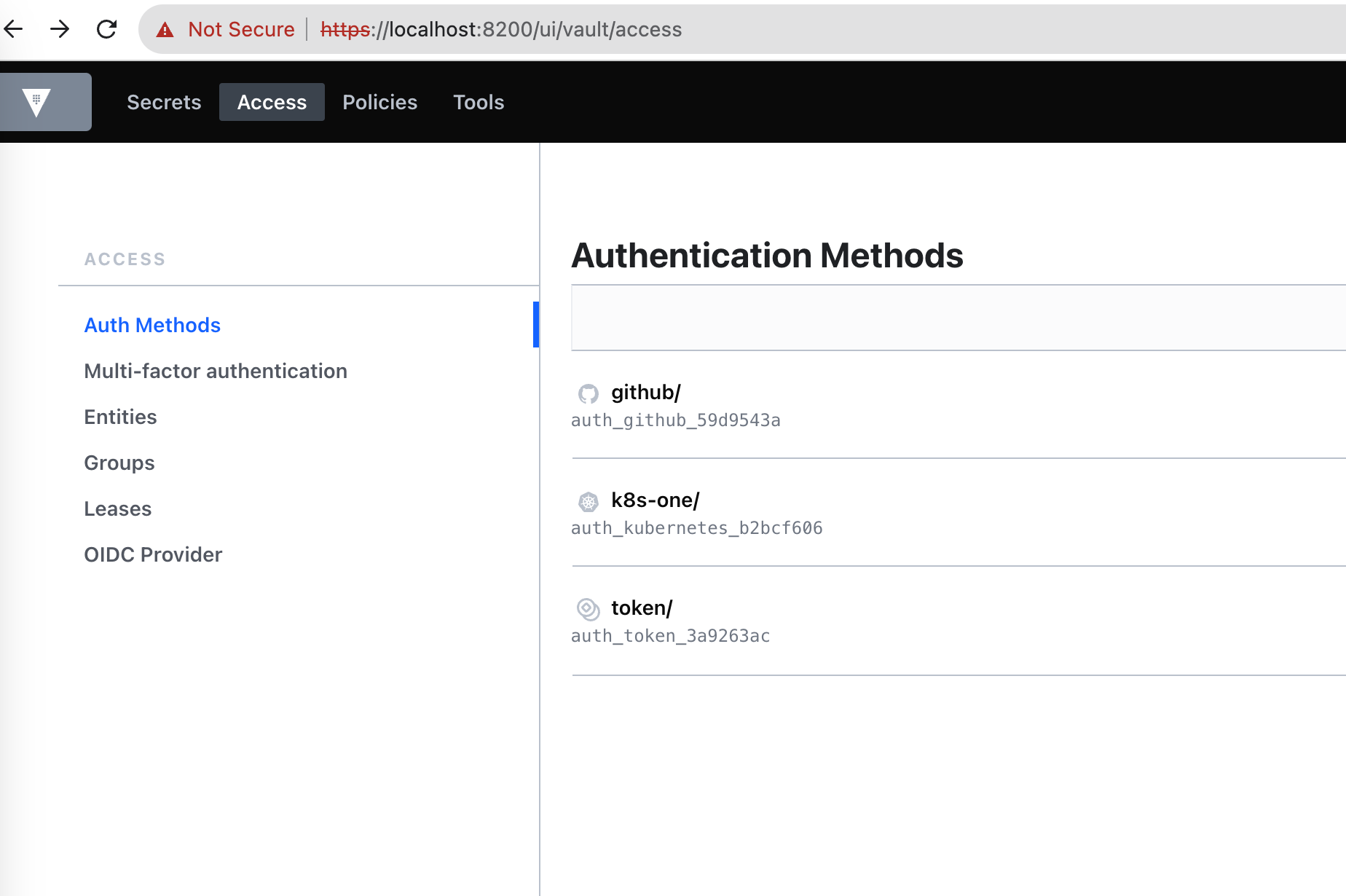
Let's check in
k8s-oneauth method, if our rolek8s-one-external-secrets-roleexists or not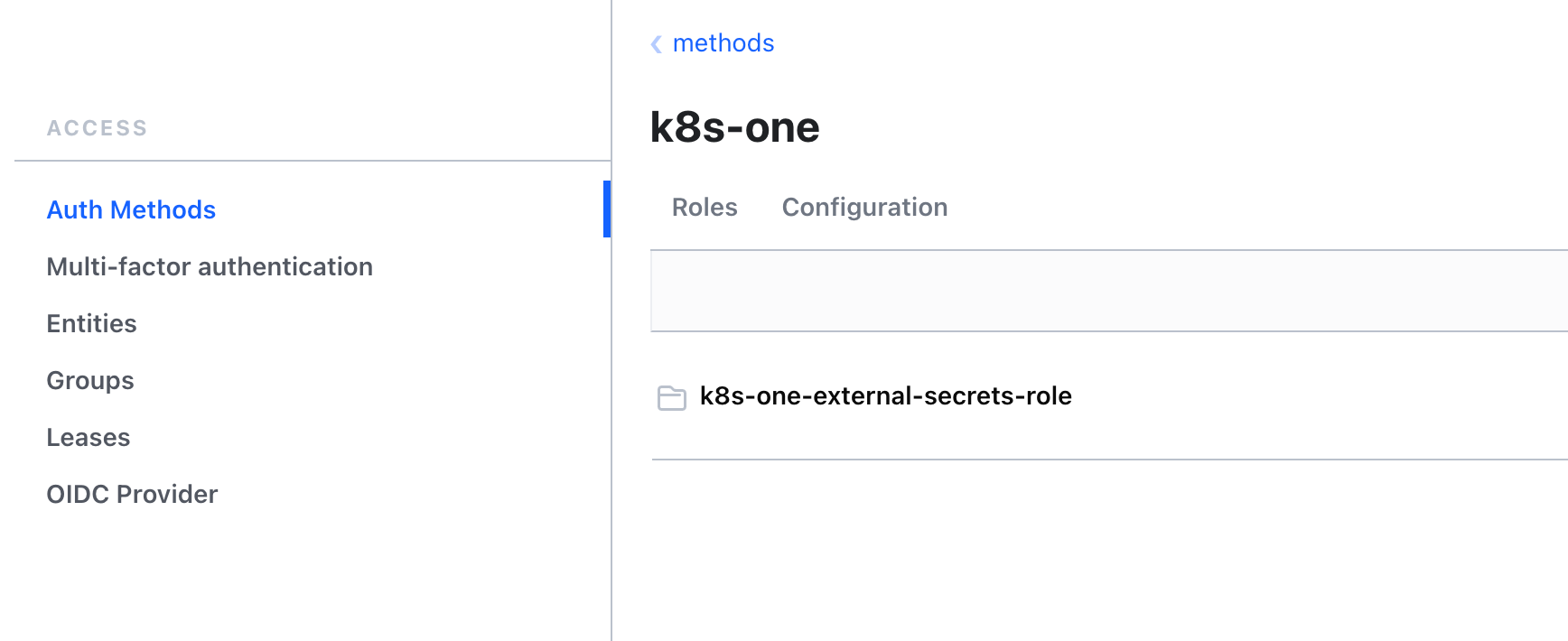
This sums up the basic vault authentication and authorization setup + external secrets.

but hold your horses! we still need to create secrets from the Vault using External Secrets. Apologies if the blog seems too long, but trust me, it will be all worth it in the end.

Setup External Secrets
External Secrets have two important types of objects
SecretStore(orClusterSecretStore) - It defines how to access the external API secret provider. (e.g. Vault, AWS Secrets Manager)ExternalSecret(orClusterExternalSecret) - It describes what data should be fetched, how the data should be transformed and saved as a K8sSecret.
Let's create a Cluster-scoped Secret Store to connect it with the Vault.
kubectl apply -f external-secrets/secret-store.ymlIt will look something like below
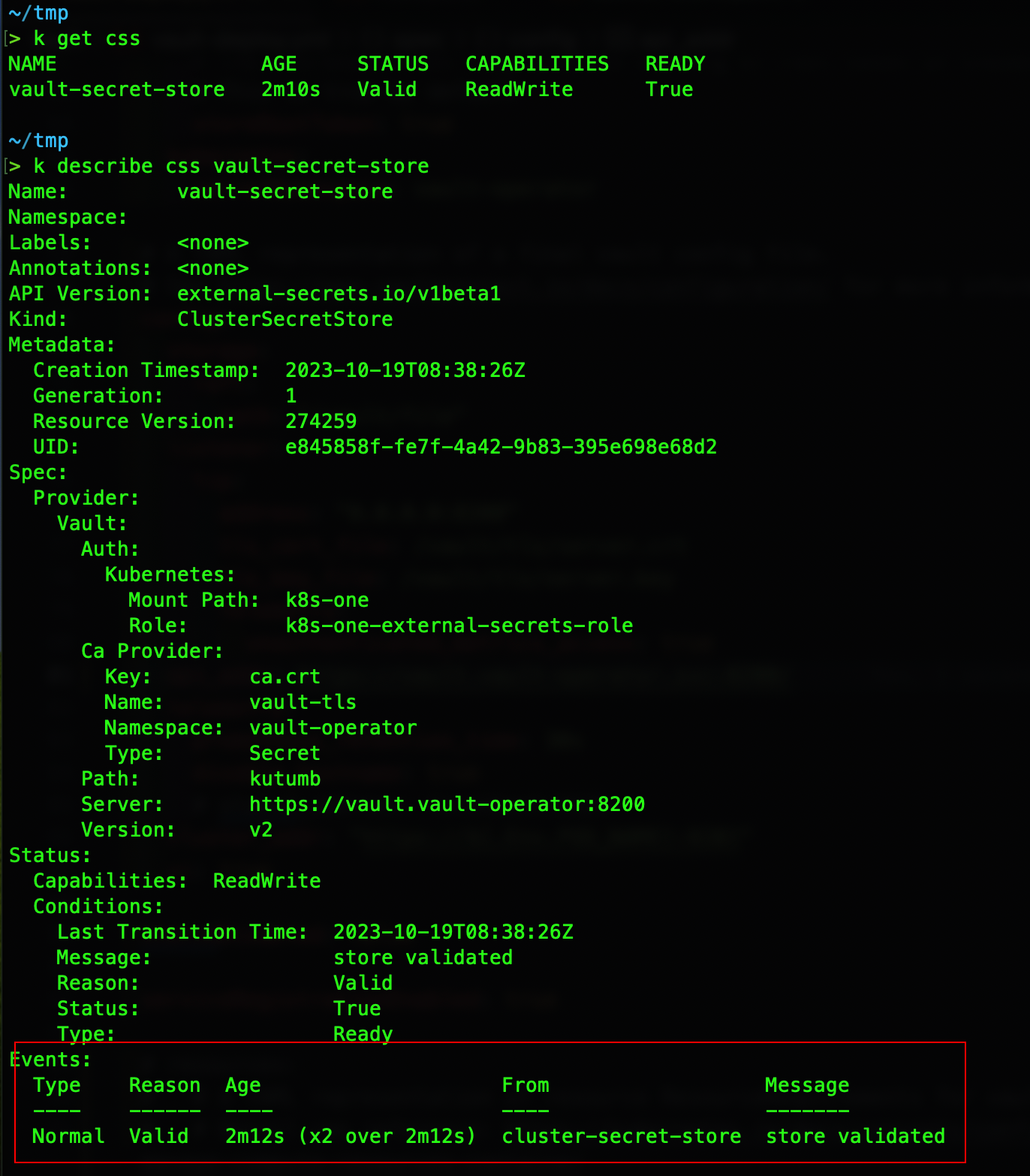
Before creating the
ExternalSecret, let's create some test secrets in Vault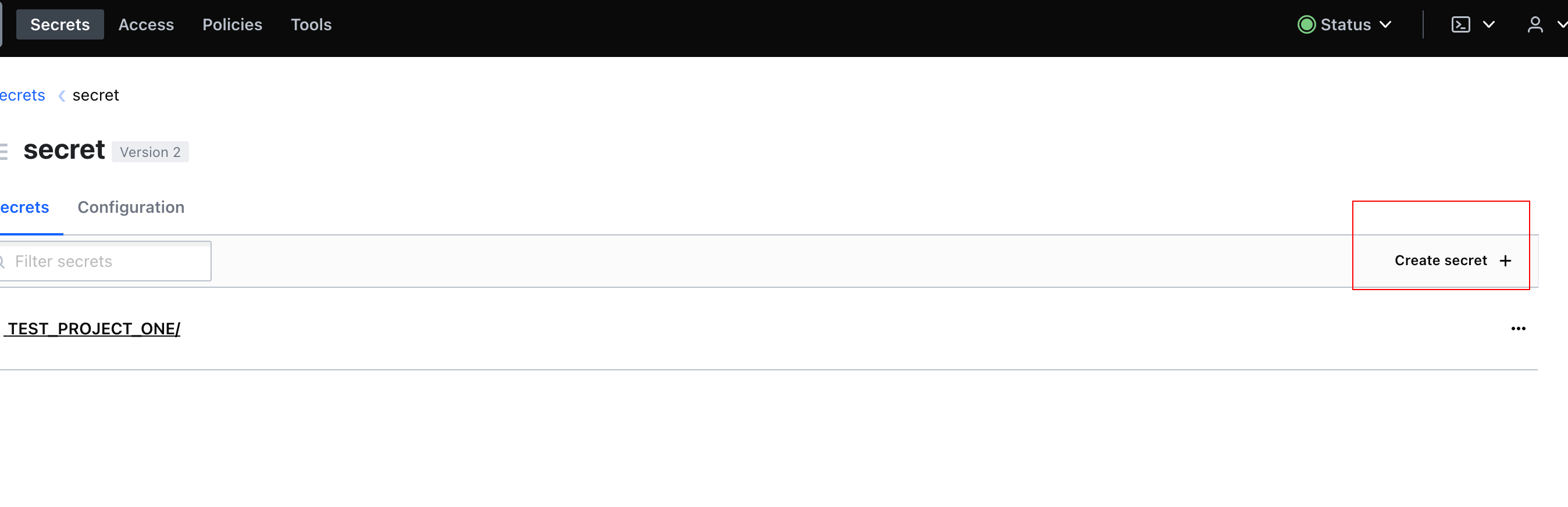
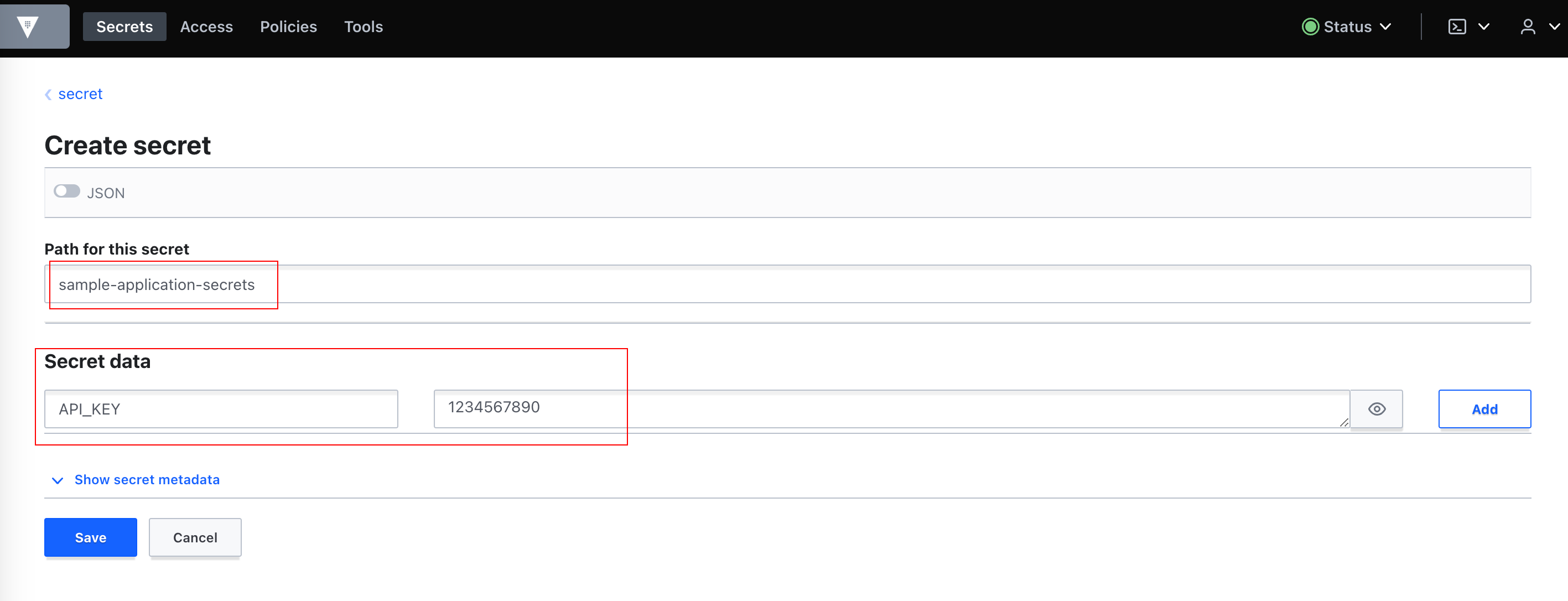
Now, Let's create an
ExternalSecretto use ourClusterSecretStoreand create a k8s secret using it.sample-external-secret.yaml(GitHub)k apply -f external-secrets/sample-external-secret.yaml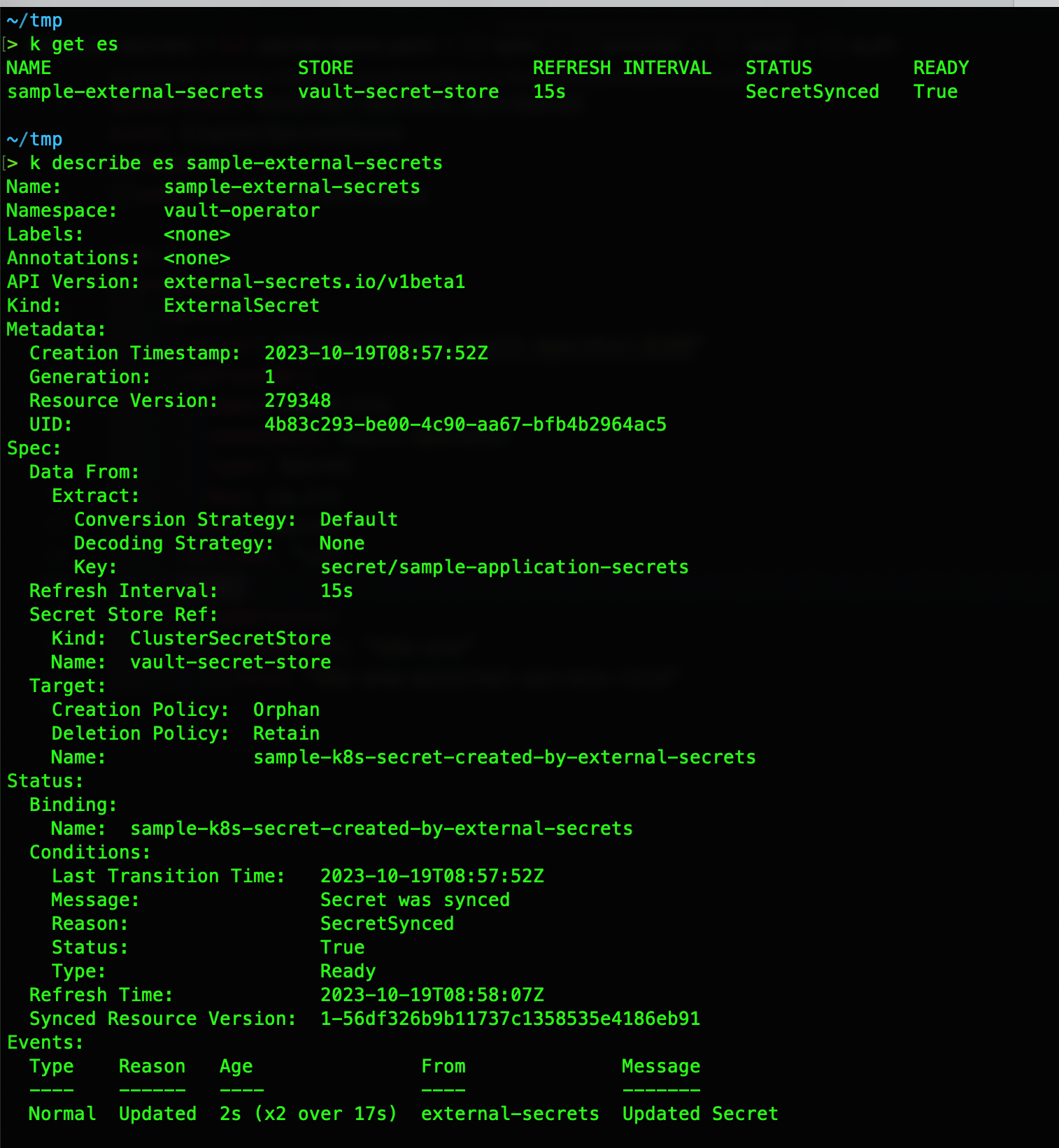
Let's Verify it by checking the secret


Voila! we can see our secret is created and we can also see our values from Vault went through 🥳 🎉

I had to decide between these two GIFs to place here, couldn't resist myself from using both 😛 😅

Setup Alternatives (or Future Improvements?)
Instead of Vault, you can also use AWS Secrets-manager. (Official Provider)
Instead of a self-signed cert, you can also use certs created by some reputed CA.
You can also use your domain and point the vault there with SSL. (ex. - AWS ALB Ingress w/ ACM SSL Cert)
You can create more fine-grained policies as per your use case.
References
About the author
Hey, Y'all 👋 Kratik Here :)
Hailing from The City of Lakes, India.
I love to learn and share stuff about DevOps, SRE, Security, Cost Optimization, etc.
Join me on this journey where we will learn together with the help bunch of interesting blogs.
Comments
Join the discussionNo comments yet. Be the first to comment.


